For teams that publish to ServiceNow Service Portal
Marketing ships its own portal pages. And cannot ship them broken.
Longeron is where communications and marketing teams lay out branded landing pages for Service Portal, with accessibility checked before anything goes live, and publishing that never asks a developer.

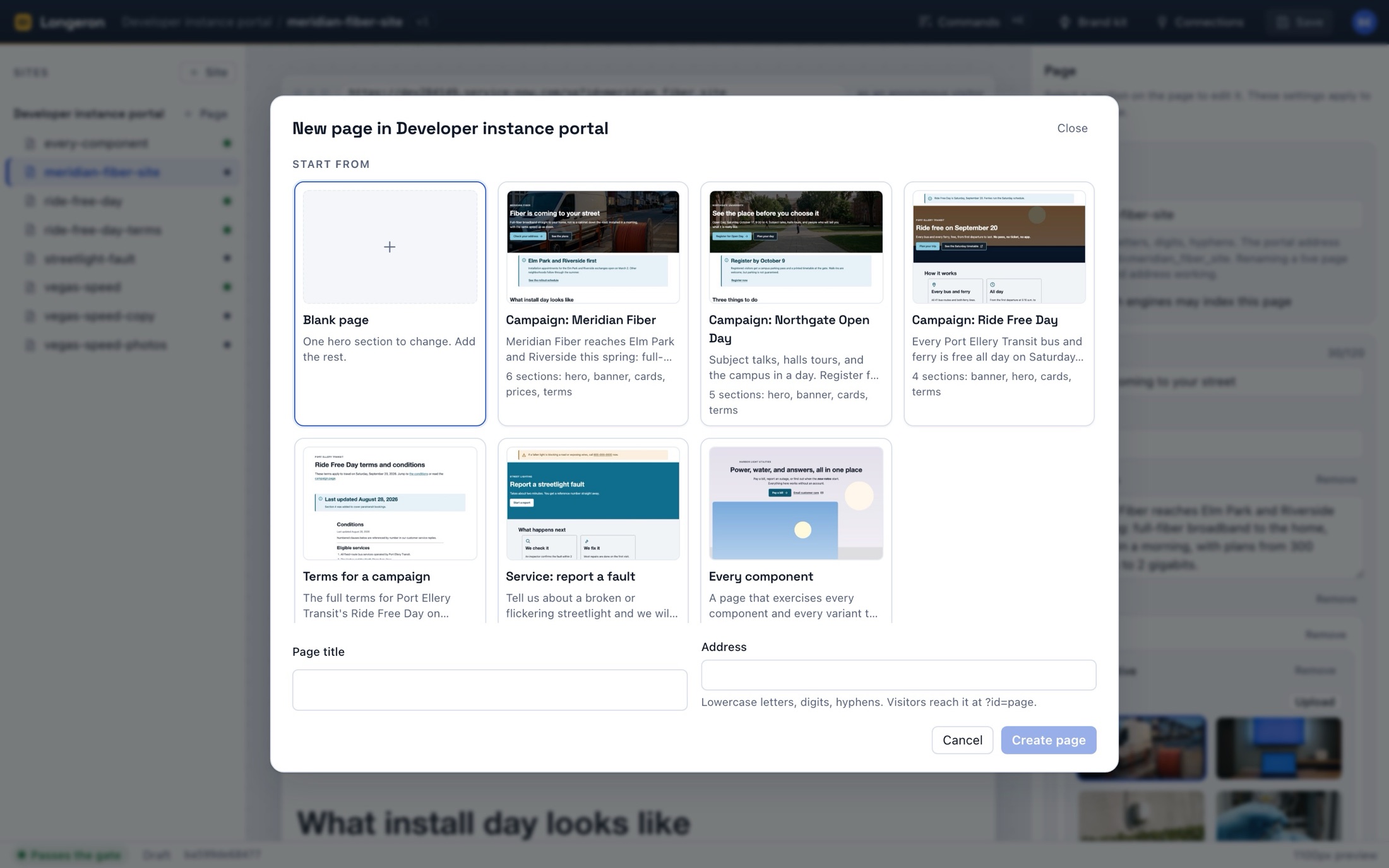
Start from a page, not a blank canvas
Every new page starts from a picture of a finished one. Pick the campaign, service, or terms page that is closest, then change the words and the photographs. The sections are already laid out and already pass the gate.
- Heroes, banners, cards, price grids, terms, and more: sections, not code.
- Photographs come with alt text or are marked decorative. There is no third state.
- Rename a page and every link to it follows; the old address keeps working.
The middle step cannot be skipped
Before anything reaches your instance, Longeron compiles the page and checks the result against WCAG 2.1 AA, the same page visitors will get. A page that fails does not publish. This is not a linter you can dismiss.
- One heading, no skipped levels, real link text, described images.
- Brand colors are checked as pairs, on every surface, as you type.
- Every link to another page must resolve to one that is live.
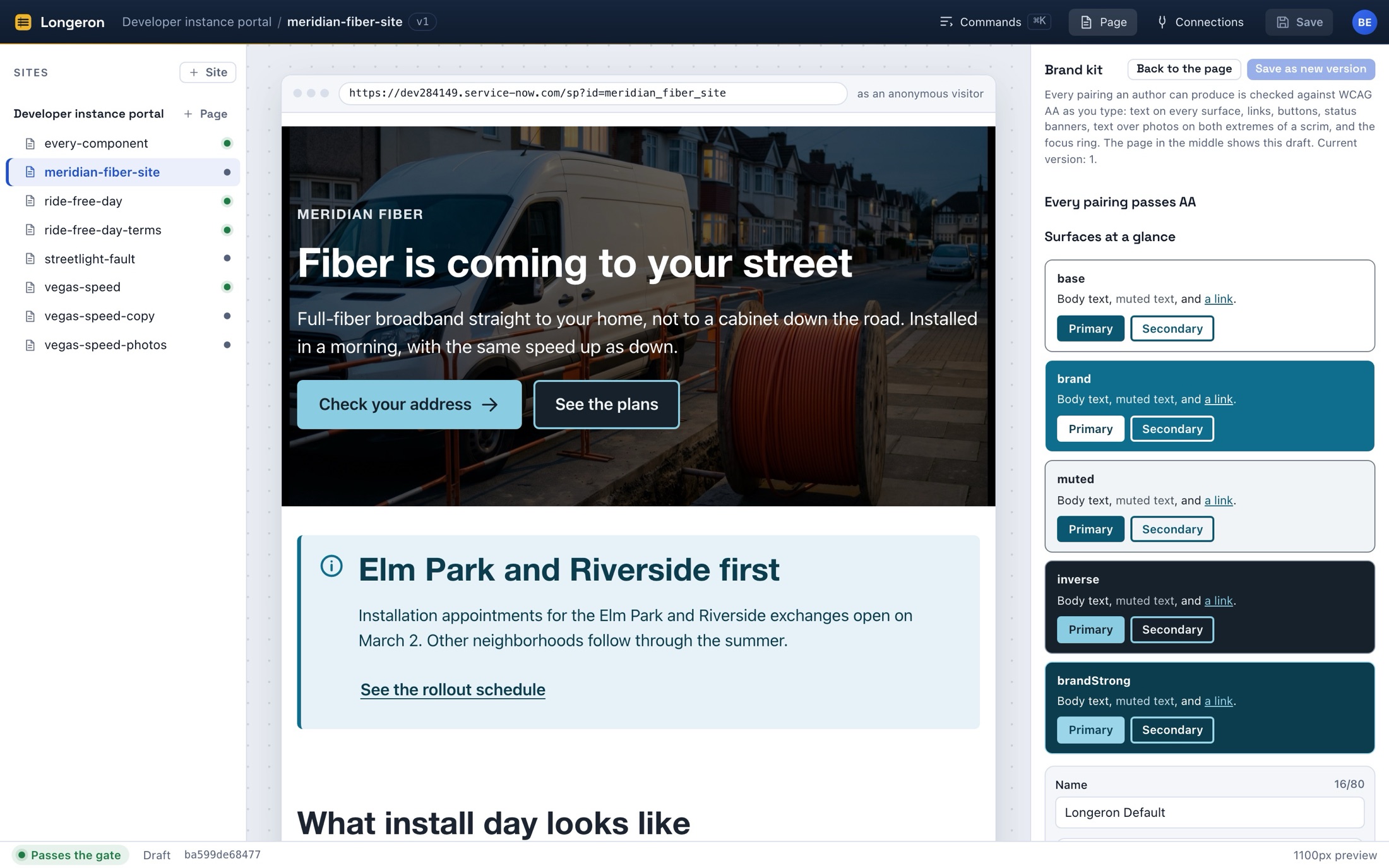
Your brand, set once, refused when it fails
The brand kit holds the colors, type, and spacing every page uses. Each pairing an author could produce is checked against AA as you type: text on every surface, links, buttons, banners, and type over photographs on both extremes of a scrim.
- Change a color and every page follows on its next publish.
- Versions of the kit are kept, like versions of pages.
- What you see in the builder is the compiled page, not a preview of one.
Pages a marketer laid out, on a portal a developer built
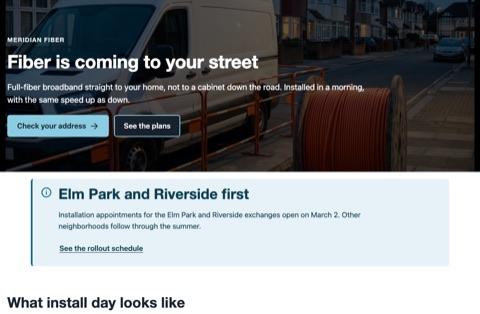
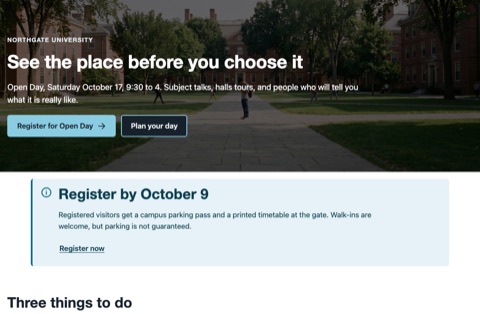
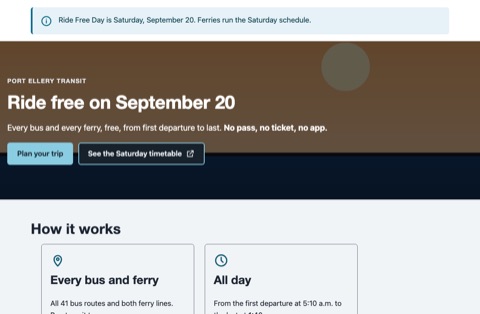
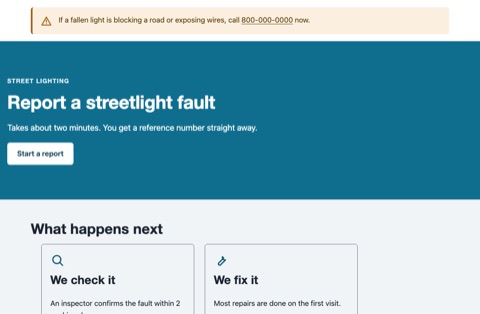
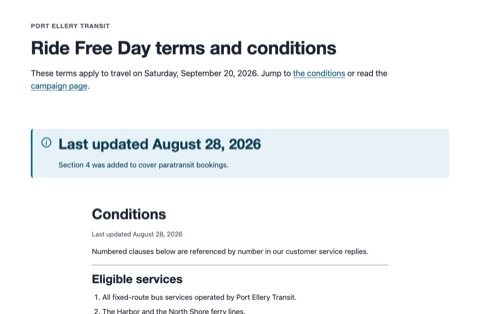
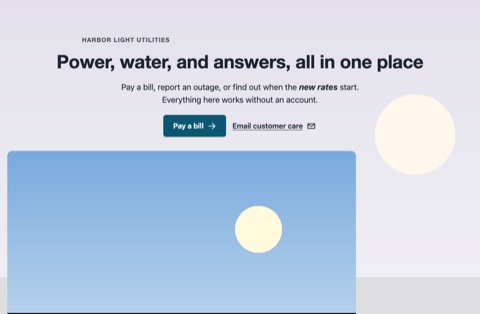
The template pages that ship with Longeron, rendered exactly as an anonymous visitor sees them on Service Portal.
Why it holds
Every one of these is a decision in the architecture, not a setting.
Plans
Per workspace. Every plan has every feature: the builder, the gate, versions, review, and publishing to as many instances as you connect. Plans differ in how much you publish and how many people publish it. Pay annually and get two months free.
Trial
then choose a plan
Try it on your own instance. No card.
- 10 pages
- 200 MB of images
- 3 people
Team
or $1,990 a year
One marketing or communications team and one portal.
- 200 pages
- 5 GB of images
- 25 people
- Email support, next business day
Business
or $5,990 a year
Several teams, several portals, one workspace.
- 2,000 pages
- 50 GB of images
- 250 people
- Priority support, same business day
Enterprise
annual, invoiced
Procurement, security review, and invoicing on your paper.
- Limits set with you
- Annual invoicing
- Security questionnaire and DPA
- A named contact
- What counts as a page?
- A page in the builder, live or draft. Retired pages do not count.
- Can we change plans?
- Any time. Upgrades apply at once; downgrades at the end of the billing period.
- Is there a per-instance charge?
- No. Connect development, test, and production instances on any plan.
- How do we pay?
- Card, monthly or annually, through Stripe. Enterprise is invoiced.
Who it is for
Communications and marketing teams inside organizations that run a customer or employee portal on ServiceNow, and the platform owners who would rather not build landing pages by hand in AngularJS.
What it is not
Not a ServiceNow application: authoring, versions, and checks live in Longeron; a small renderer lives in your instance. Not an intranet builder. Not a form builder, in this version.
- Does it need a developer to install?
- An admin installs a small scoped app once and authorizes Longeron. After that, no.
- What happens to our pages if we stop paying?
- They keep serving from your instance as last published. You lose the editor, not the pages.
- Where is our content stored?
- In Longeron's database and image store, and in your instance once published. We hold no passwords for your instance; the connection is OAuth with a refresh token we seal.
- Can we review pages before they go live?
- Yes: comments pinned to a section of a version, with mentions by email.
Show us a page you wish marketing could ship.
We are talking to the first teams now. Bring a portal and a page; we will show you it live, published, and checked.